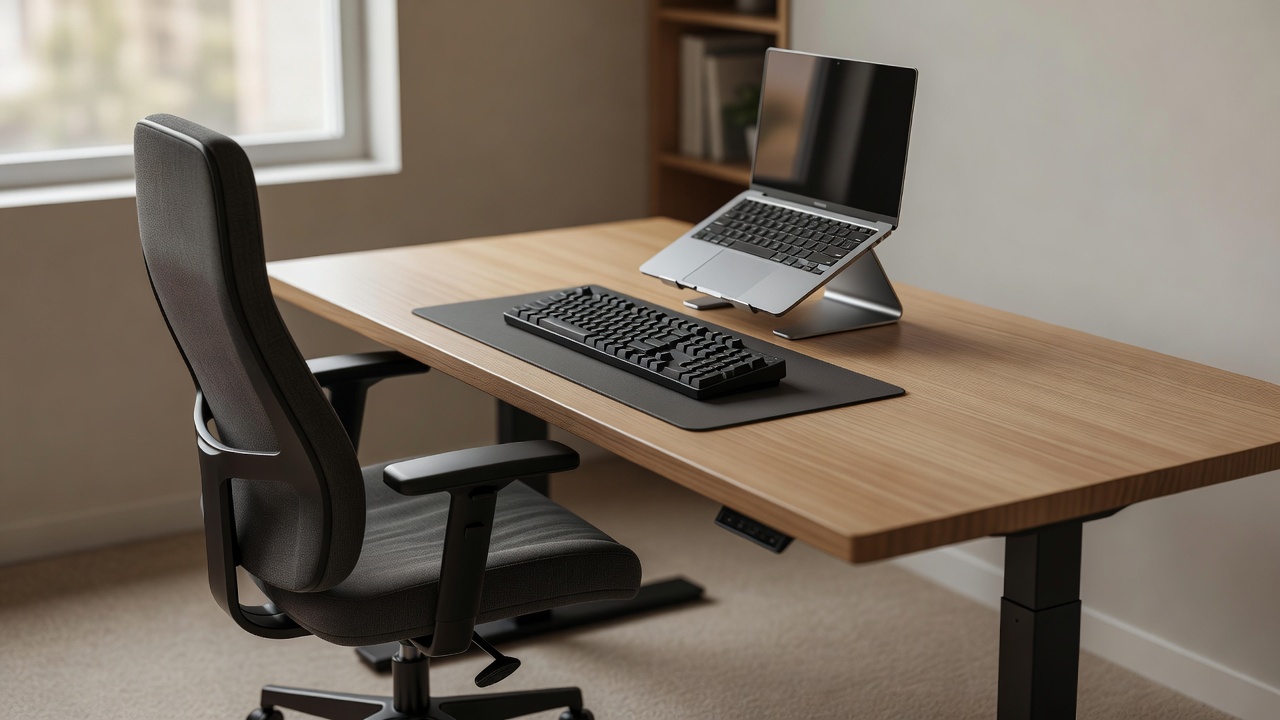
Start with the chair and the task
Before browsing products, sit at your usual workspace and perform the work you actually do. Typing a report, drawing on a tablet and reading printed pages place different demands on the same table. Notice where you reach, what presses against your legs and whether you keep moving an object to make room. These observations are more useful than copying a photograph of someone else’s desk.
Adjust the chair so that you can work with relaxed shoulders and supported feet, while keeping usable clearance beneath the tabletop. A fixed dining table may force a compromise. Raising the seat to suit the table can leave your feet unsupported; lowering it for the floor can leave your hands too high. A footrest may help with the first problem, but it will not fix a table with insufficient thigh clearance.
Look beyond the word “ergonomic”
An ergonomic label does not establish that a chair fits you. Check the seat-height range, seat depth, backrest adjustment and armrest movement. Fixed armrests can stop a chair moving close enough to a desk. A deep seat can make back support difficult to use. If you cannot try a chair, read its return conditions and assembly requirements before deciding whether a home trial is practical.
The UK Health and Safety Executive’s display screen equipment guidance and OSHA’s Computer Workstations eTool explain how workstation elements interact. The Canadian Centre for Occupational Health and Safety also publishes office ergonomics information. These are useful starting points, not substitutes for an individual assessment. Persistent pain, numbness or worsening symptoms deserve advice from a qualified professional rather than another speculative purchase.
Choose a footrest for a reason
A footrest is worth considering when the chair position that suits the desk leaves your feet without stable support. Look for enough surface area to change foot position, a base that stays put on your floor and an adjustment mechanism you can operate. A rocking model may suit someone who likes movement, while another person may prefer a steady platform.
Check the actual product height and width against the available space. Those are product dimensions, not recommended settings for every person. A temporary, stable support can help you explore the idea before buying, but avoid unstable stacks or anything that slips. Keep the route into and out of the chair unobstructed.
Separate the laptop’s two jobs
A laptop ties the screen to the keyboard. Raising it can improve the viewing position while making its built-in keyboard awkward to use for extended typing. A stand therefore often belongs with a separate keyboard and mouse or another pointing device. Account for all three objects when measuring a small desk, including space to rest your hands without leaning on a sharp edge.
Stand specifications should include supported device size, load limit and how the laptop is retained. Check that the stand does not block vents or press against ports. A folding model may suit a shared table, but hinges, stability and packed thickness matter more than how thin it looks in a listing. Do not assume that a tablet stand will safely hold a laptop.
Keep everyday controls within reach
A compact keyboard can make room for the pointing device, especially when you rarely use a number pad. A separate number pad can be brought out when needed. A vertical mouse, trackball or touchpad changes how you interact with the computer; none is automatically the right answer. Allow time to assess accuracy, comfort and compatibility instead of treating an unfamiliar shape as a guaranteed improvement.
Wrist supports are another fit-dependent choice. They should not encourage constant pressure against a hard edge while you type. Try moving the keyboard, reducing reach and changing how you pause before adding padding. Small adjustments can reveal whether the problem is the accessory or the overall layout.
Leave room for variation
ISO 9241-5 addresses workstation layout and postural requirements, while ANSI/BIFMA X5.1 concerns tests for general-purpose office chairs. A standards reference is not a promise that a particular chair will suit a particular person. Check precisely what a manufacturer claims, including the relevant model and any supporting documentation.
A sit-stand desk also needs a whole-system check: stability at working height, cable slack, monitor movement and safe clearance. Standing all day is not the goal. Build opportunities to change position and take breaks that fit your work. If an employer supplies your equipment, ask about assessment and purchasing arrangements before spending your own money.